Private by design. Quiet by nature.
Your clipboard.
Your control.
Local history, clear settings, and help when you ask for it. Nibbles gets on with the job and lets you get on with yours.
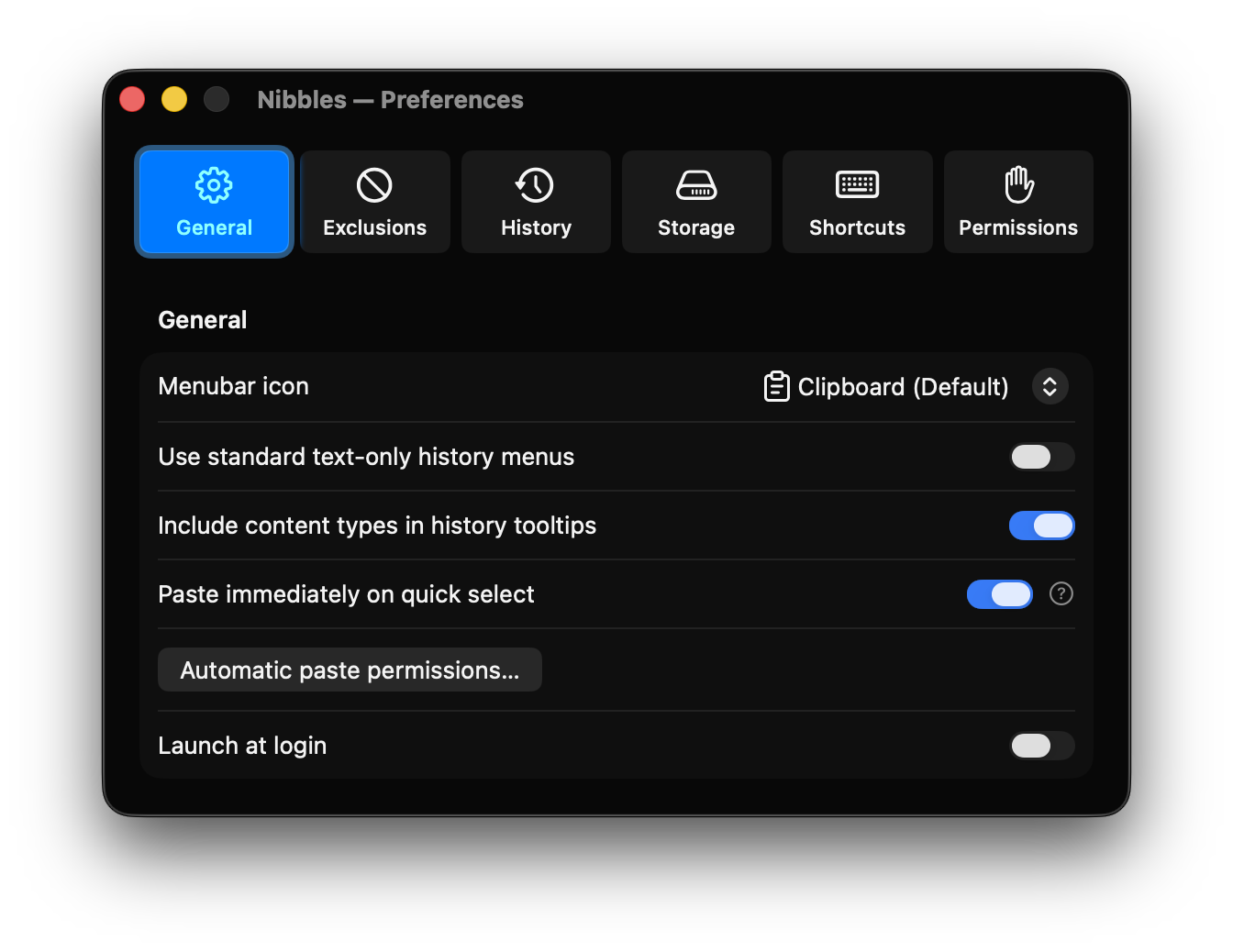
Set it your way.
Choose the menu style, optional automatic pasting, and whether Nibbles starts at login.
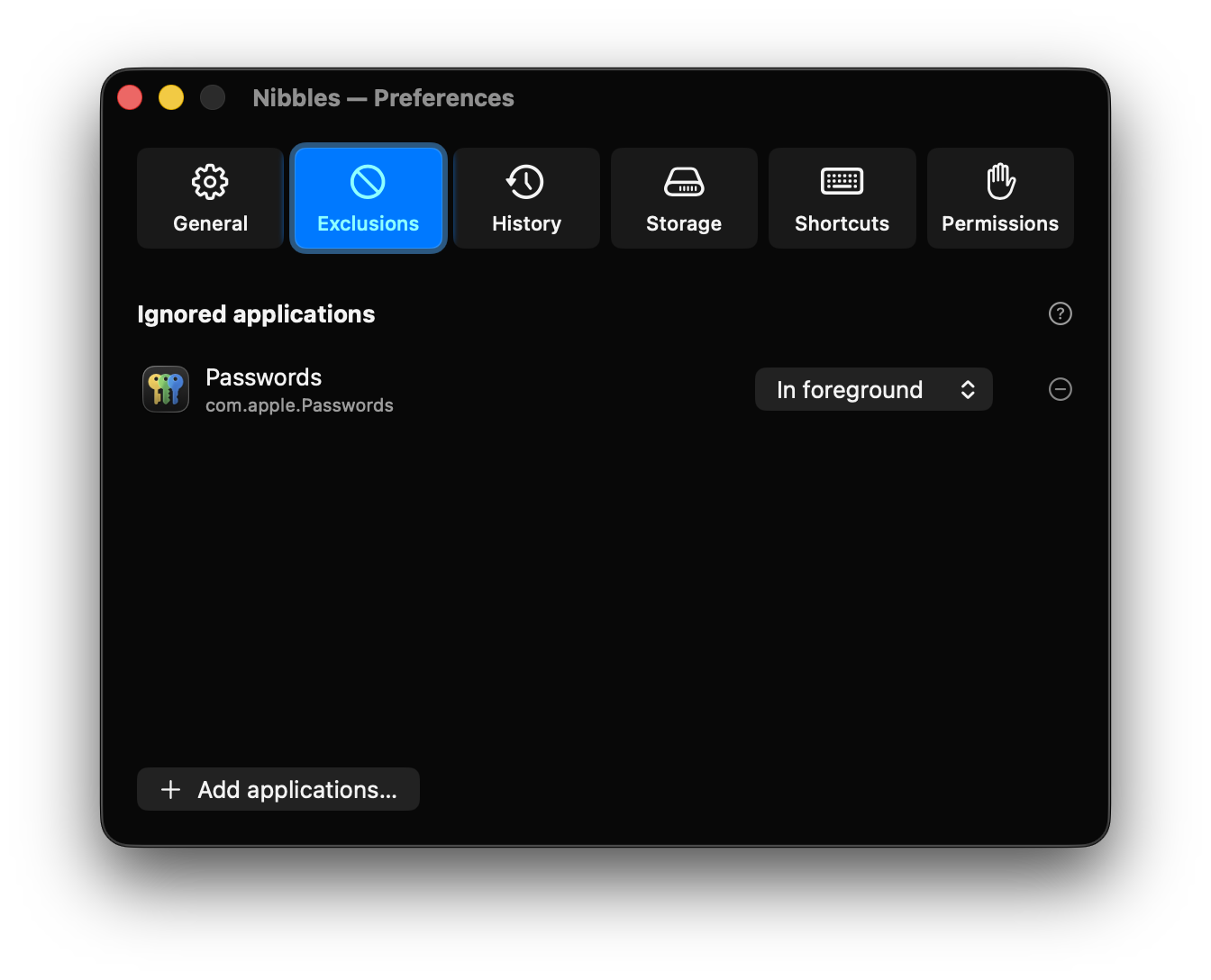
Give private apps their space.
Pause capture while chosen apps are in the foreground, or running at all.
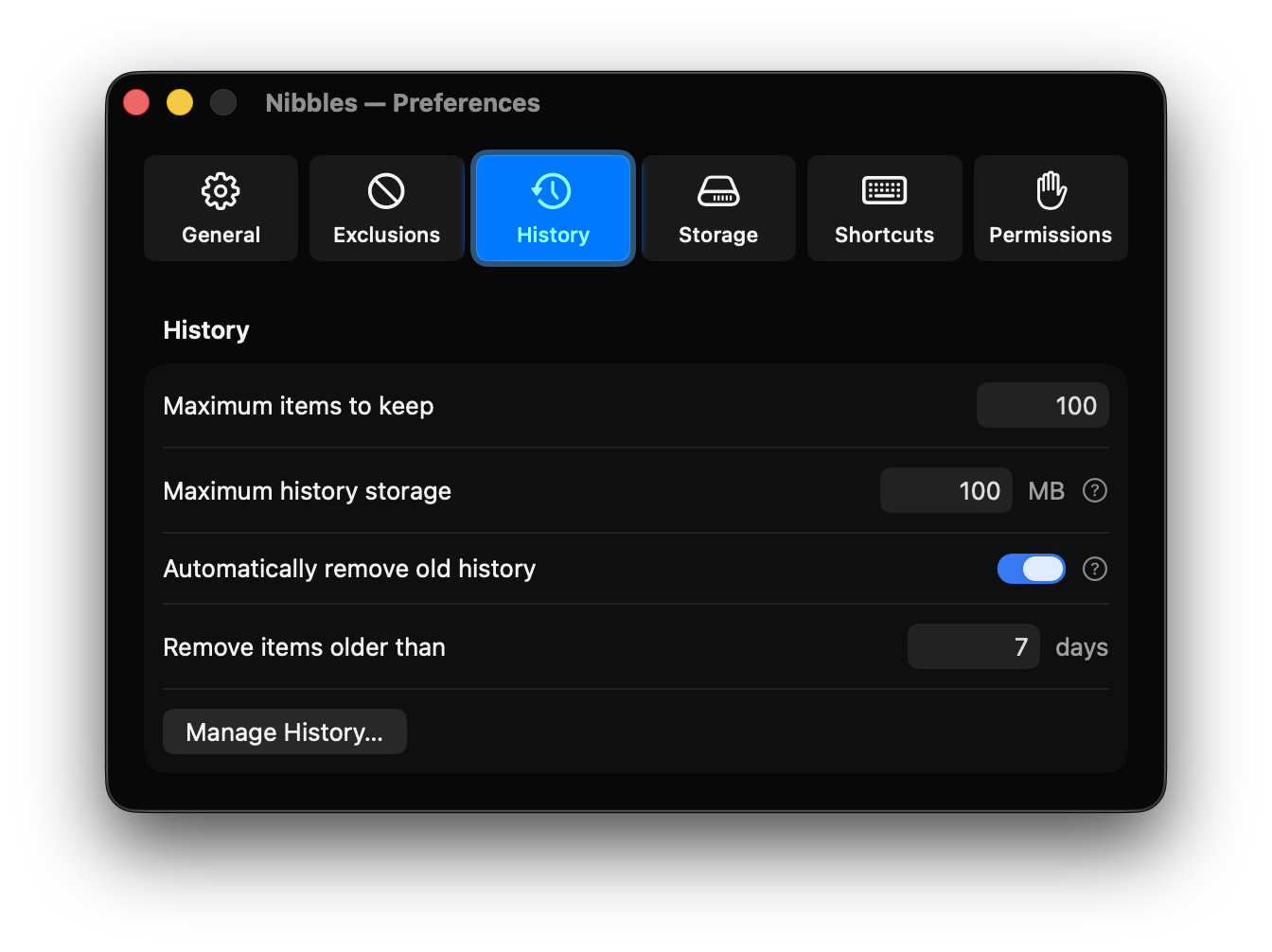
Keep only what helps.
Set your own item, storage, and age limits. Search and clear saved entries whenever you want.
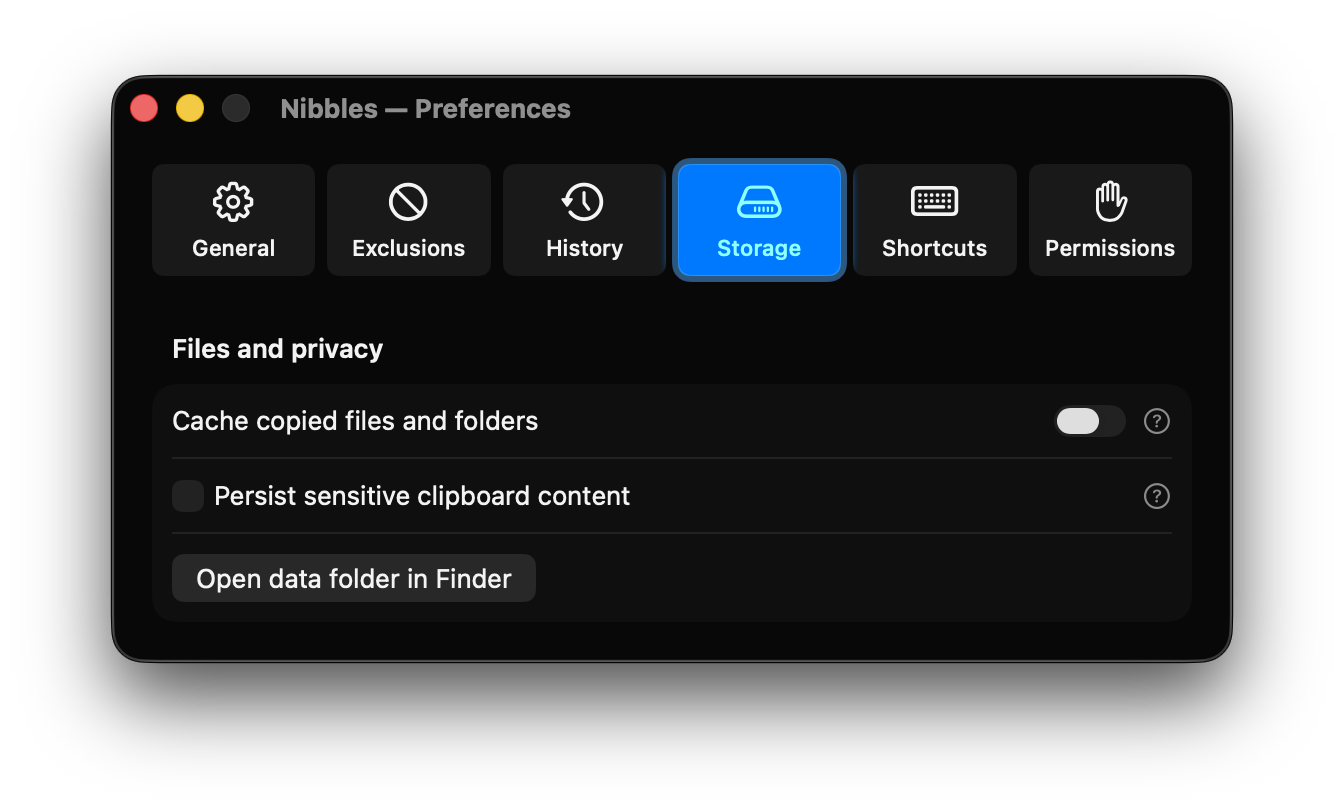
Choose what stays.
Control copied file caching and whether sensitive clipboard content is persisted.
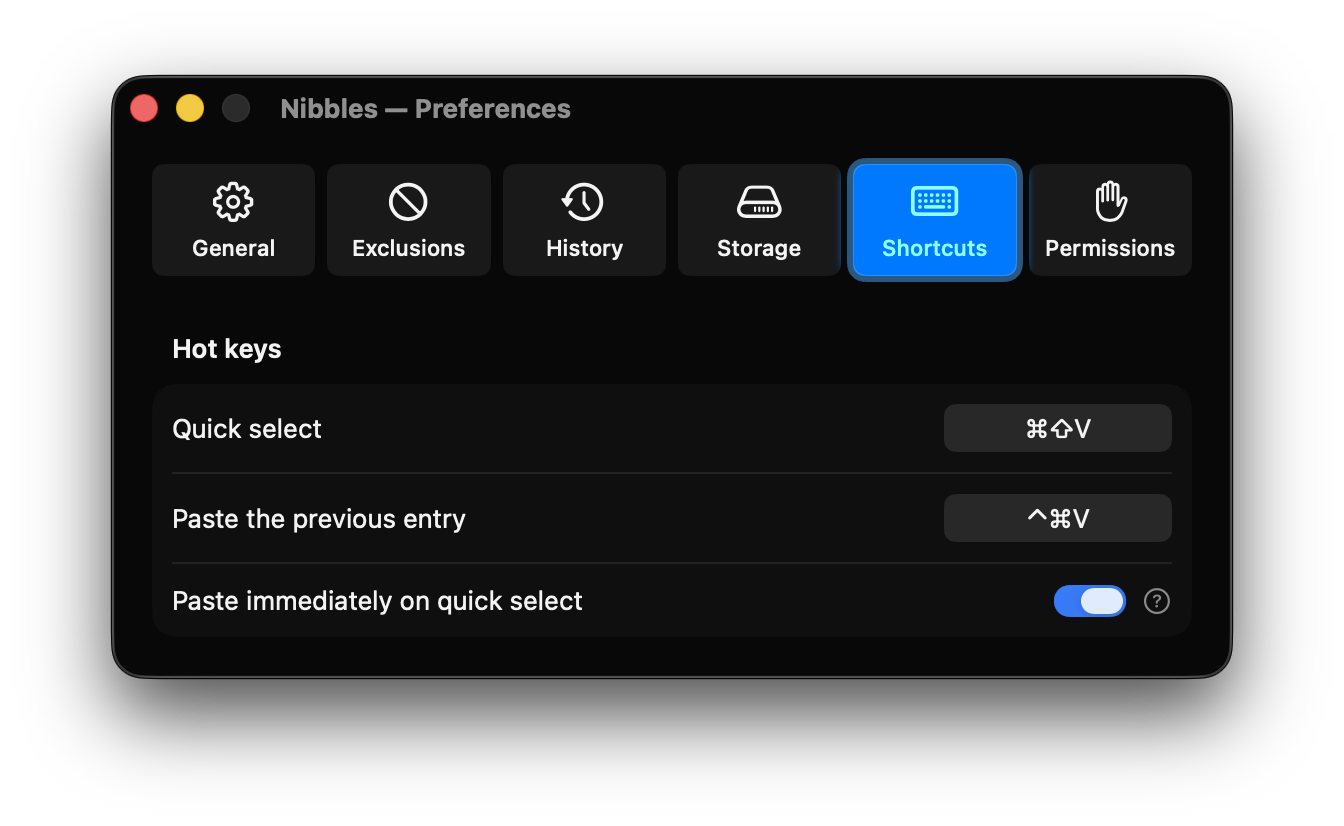
A shortcut past the oops.
Quick select an earlier copy, or return to the entry before the one you just copied.

Permissions with a purpose.
Accessibility access is only needed for automatic pasting. History and copying work without it.
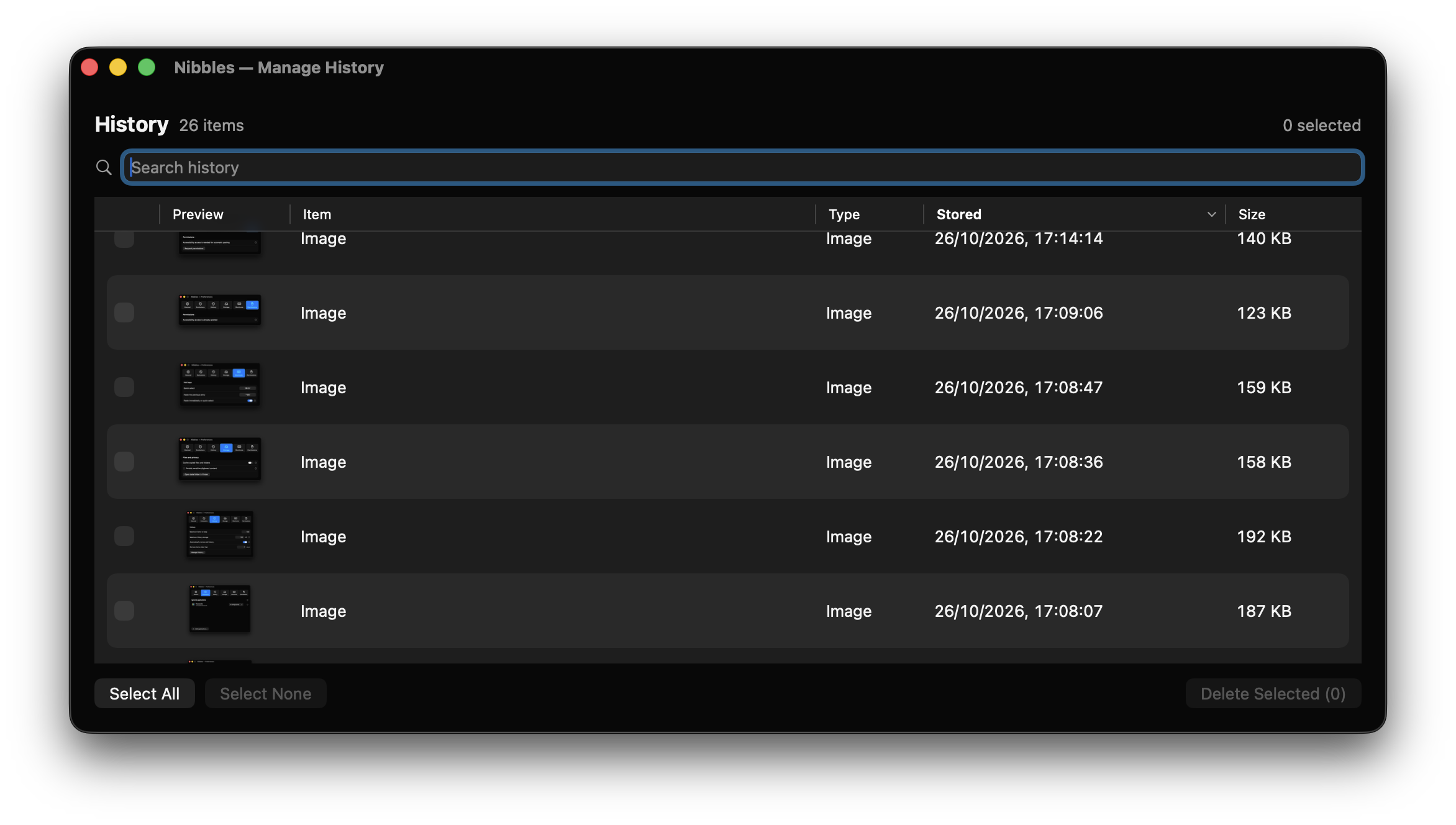
Stay in control.
Search your saved history, recognize images at a glance, and select the entries you want to remove.